Single command install MCP server with all the tools you need. Zero dependencies, zero hassle.
curl -fsSL https://mcpy.app/install.sh | bash
Downloads the binary, verifies SHA256 checksum, installs to ~/.mcpy/bin/mcpy, and walks you through registering with your MCP clients.
One file, no runtime deps.
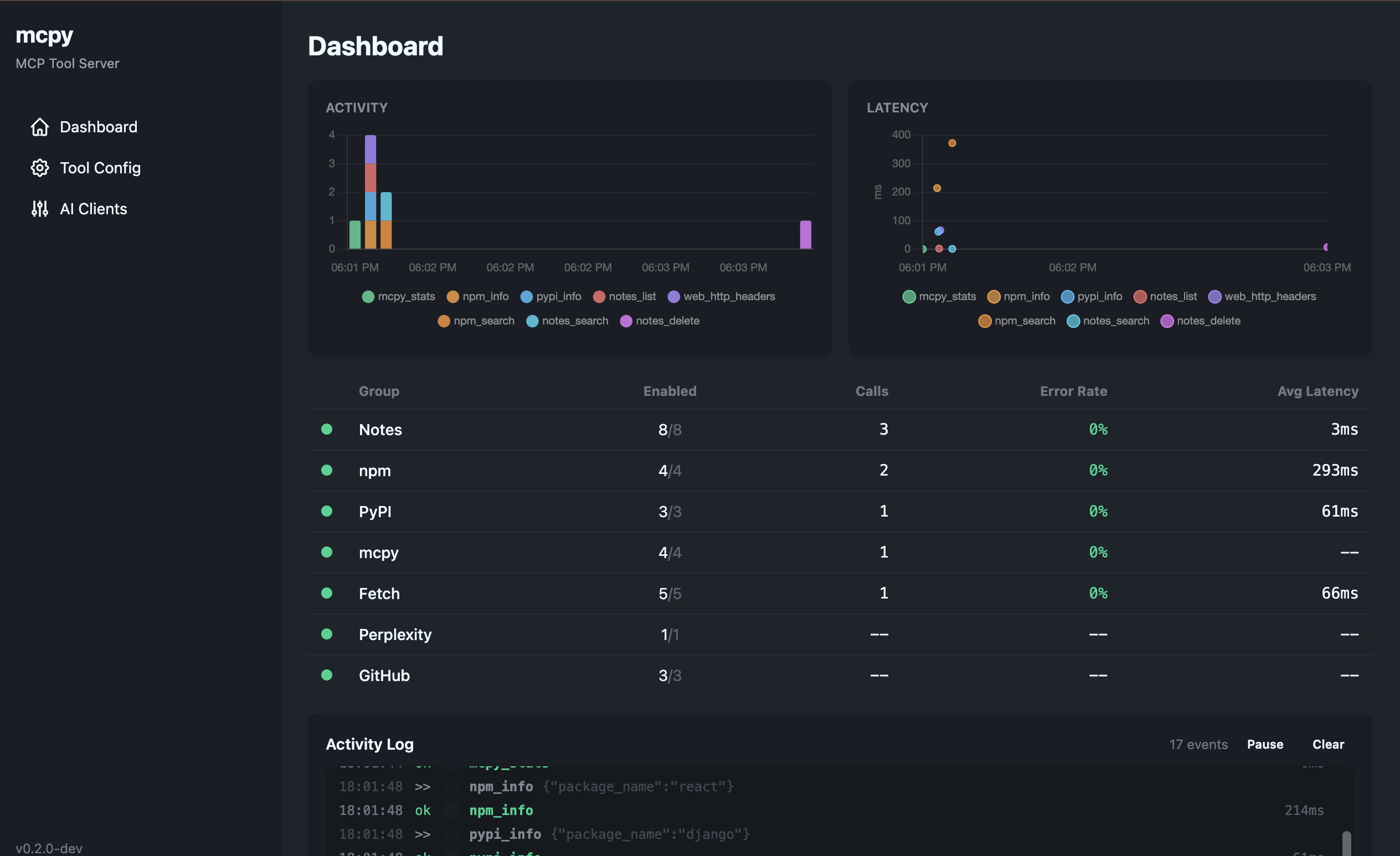
Built-in UI at localhost:3713.
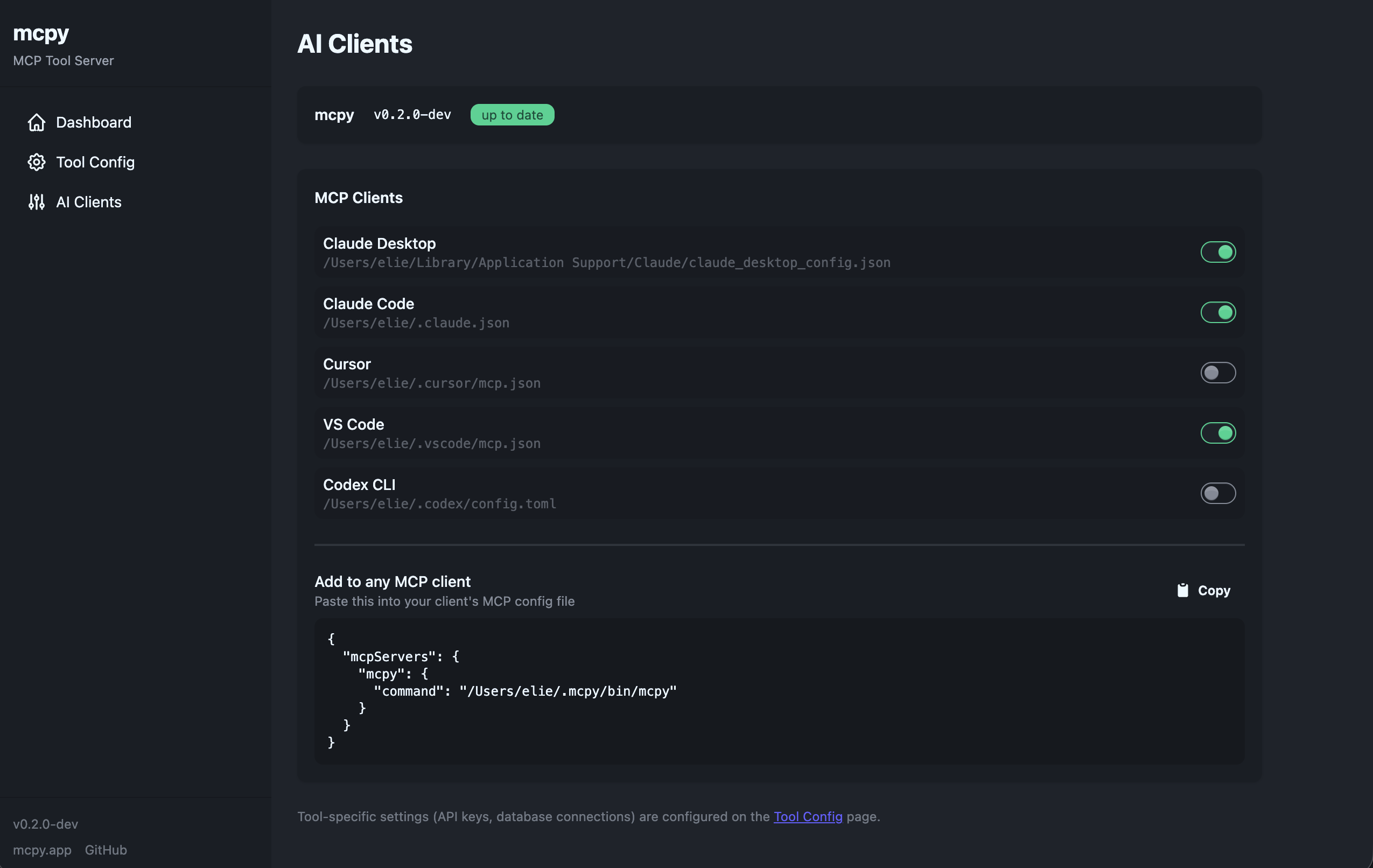
Claude, Cursor, VS Code, Codex.
mcpy update or via tool.
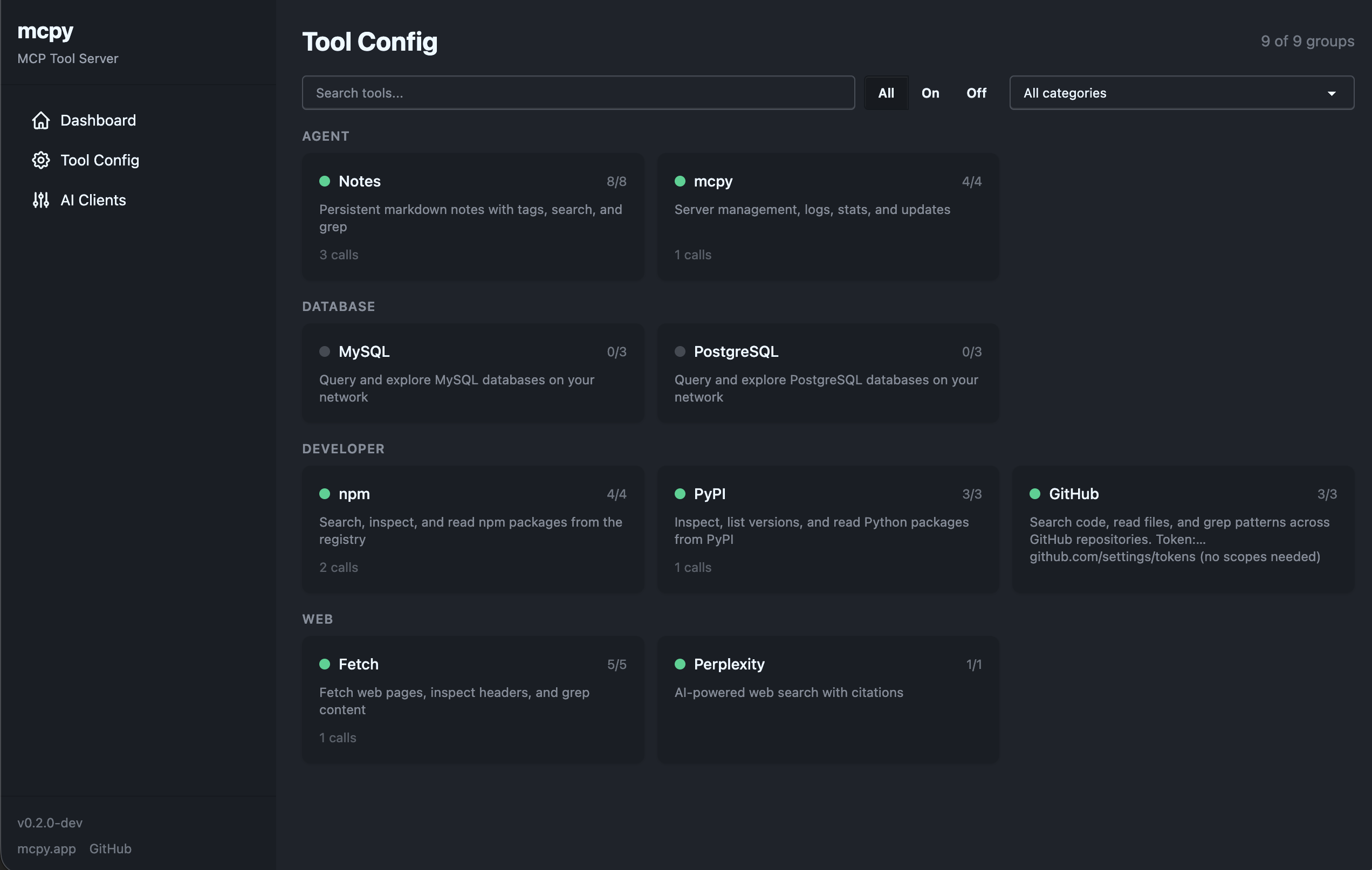
Enable or disable individual tools and groups. Organized by category: agent, database, developer, and web.
One-click install and uninstall for Claude Desktop, Claude Code, Cursor, VS Code, and Codex CLI.
Persistent markdown notes with tags, search, and grep
agentQuery and explore MySQL databases on your network
https://dev.mysql.com/doc/ databaseQuery and explore PostgreSQL databases on your network
https://www.postgresql.org/docs/ databaseSearch, inspect, and read npm packages from the registry
https://www.npmjs.com/ developerSearch code, read files, and grep patterns across GitHub repositories
https://github.com/ developerFetch web pages, inspect headers, grep content, and download files
webAI-powered web search with citations
https://docs.perplexity.ai/ web